
BIGFOOT CDA RENTALS
Renting Premium E-Bikes & Pontoon Boats · Coeur d'Alene & Hayden, Idaho
Standard Operating Tips
Riding Your Trek Townie Go
A quick visual guide to the key controls on your e-bike. Take a look before you head out on the Centennial Trail.
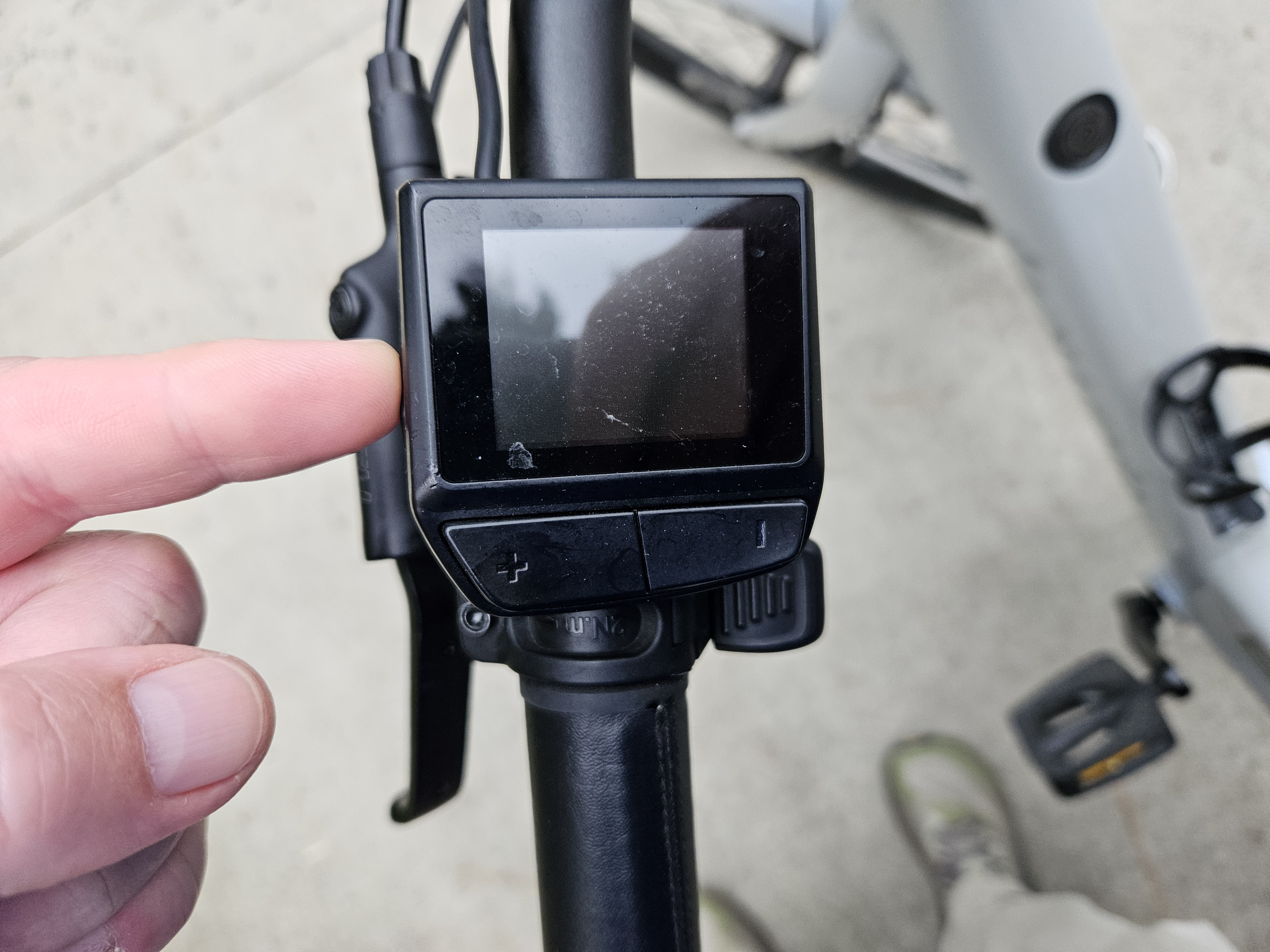
Powering On & Off
Press and hold the power button (marked with the vertical line) on the handlebar display to turn the bike on. Hold it again to power off. The screen lights up when the bike is ready to ride.
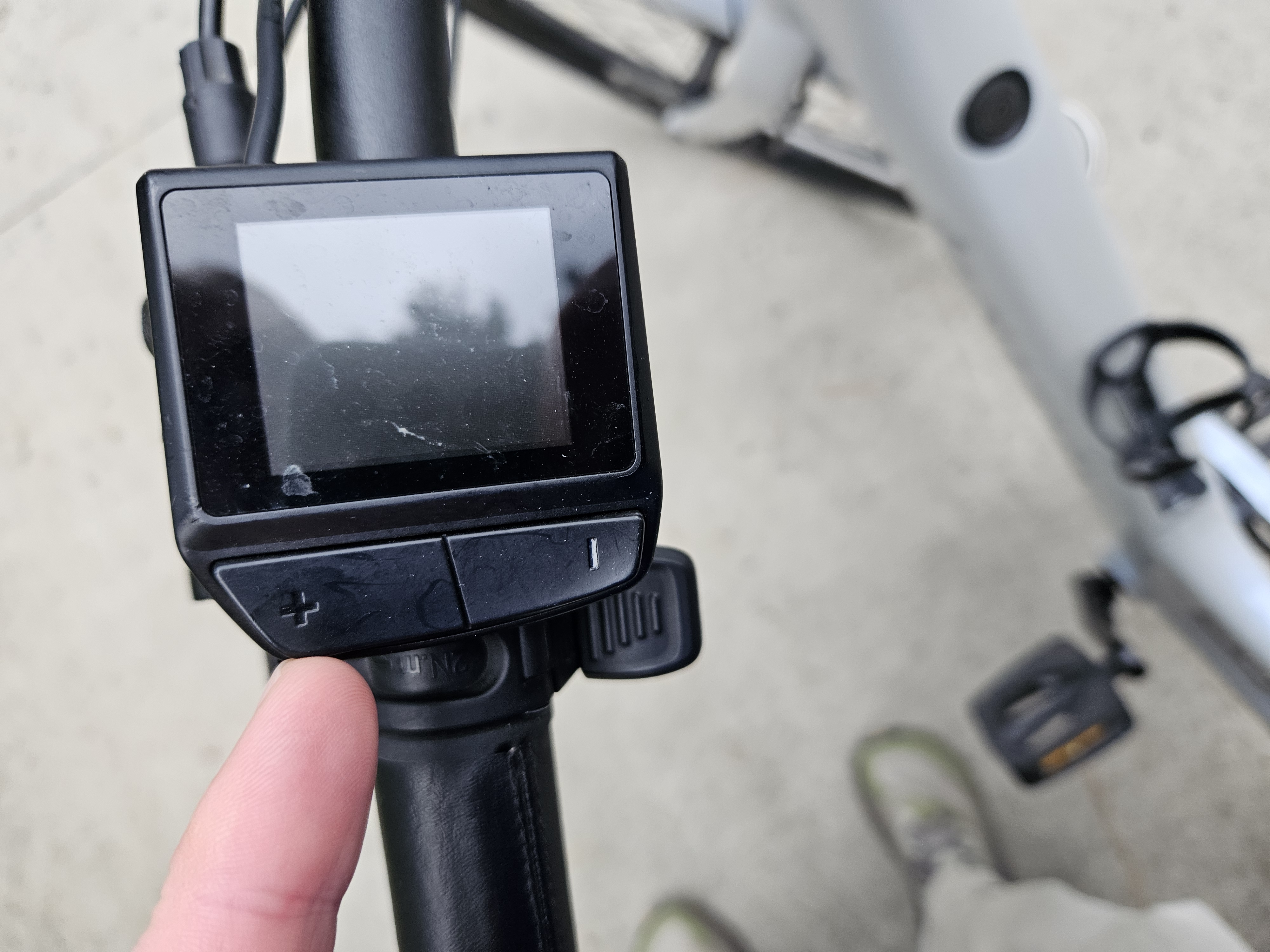
Assist Level — Increase & Decrease
Use the "+" button to raise the pedal-assist level for more help from the motor, and the "–" button to lower it. Start in a lower assist level and increase as you get comfortable.
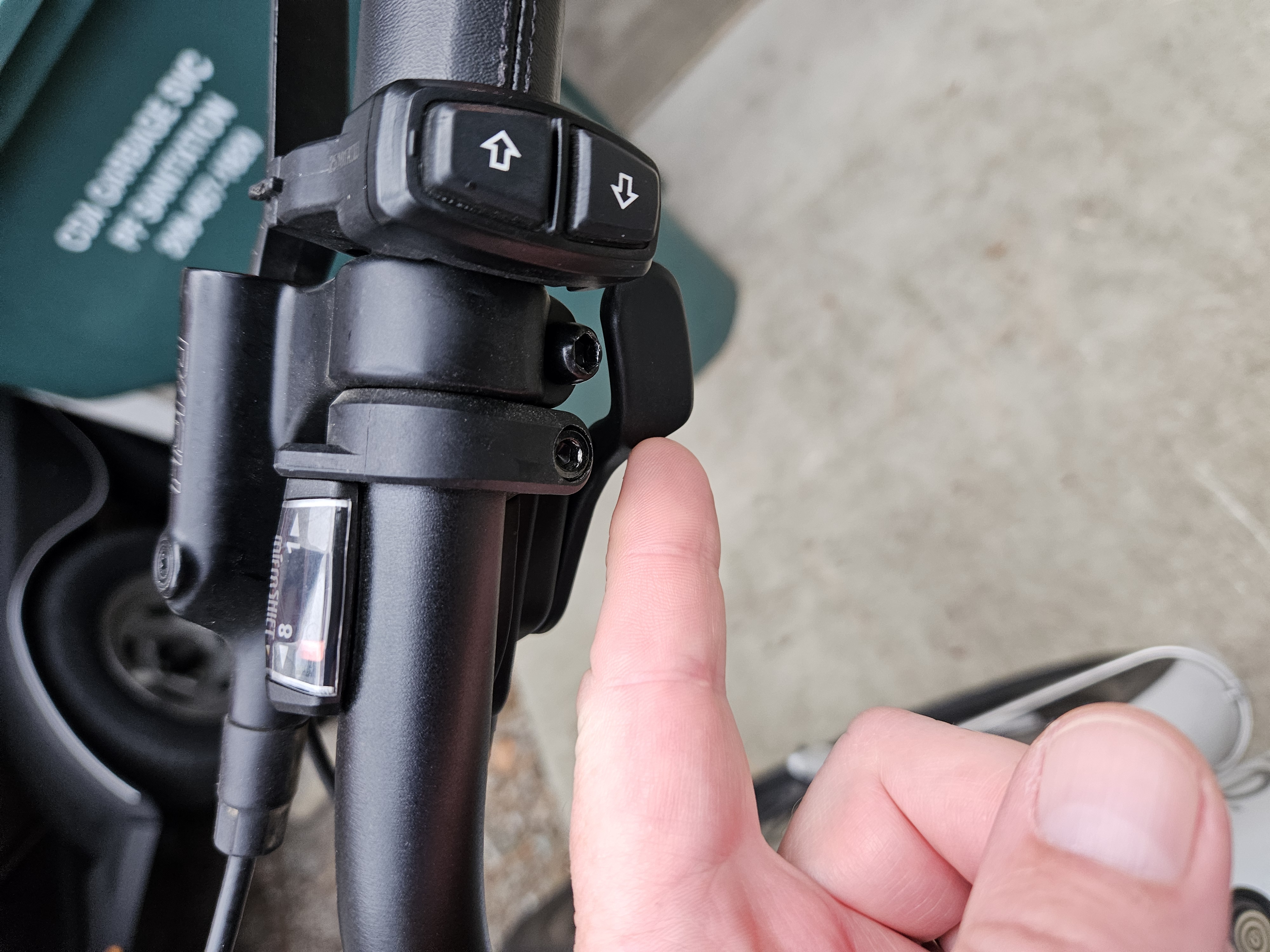
Shifting Gears
Use the up/down rocker on the right shifter to change gears. The small window shows your current gear number. Shift to a lower (easier) gear for hills and a higher gear for flat cruising.
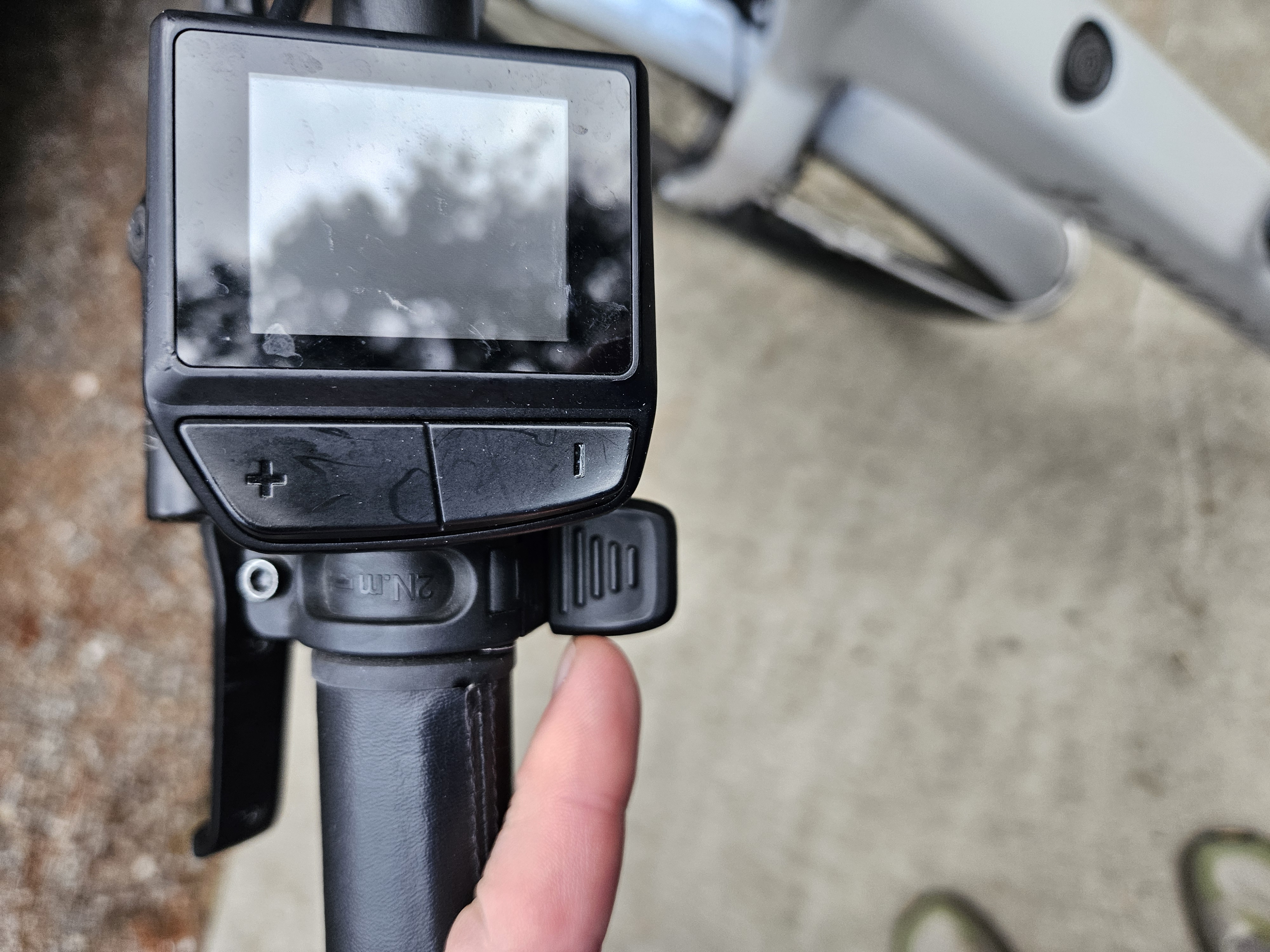
Using the Throttle
The thumb throttle sits just to the right of the handlebar stem. Push it forward with your thumb for an extra boost of power without pedaling — handy for quick starts and getting up to speed.
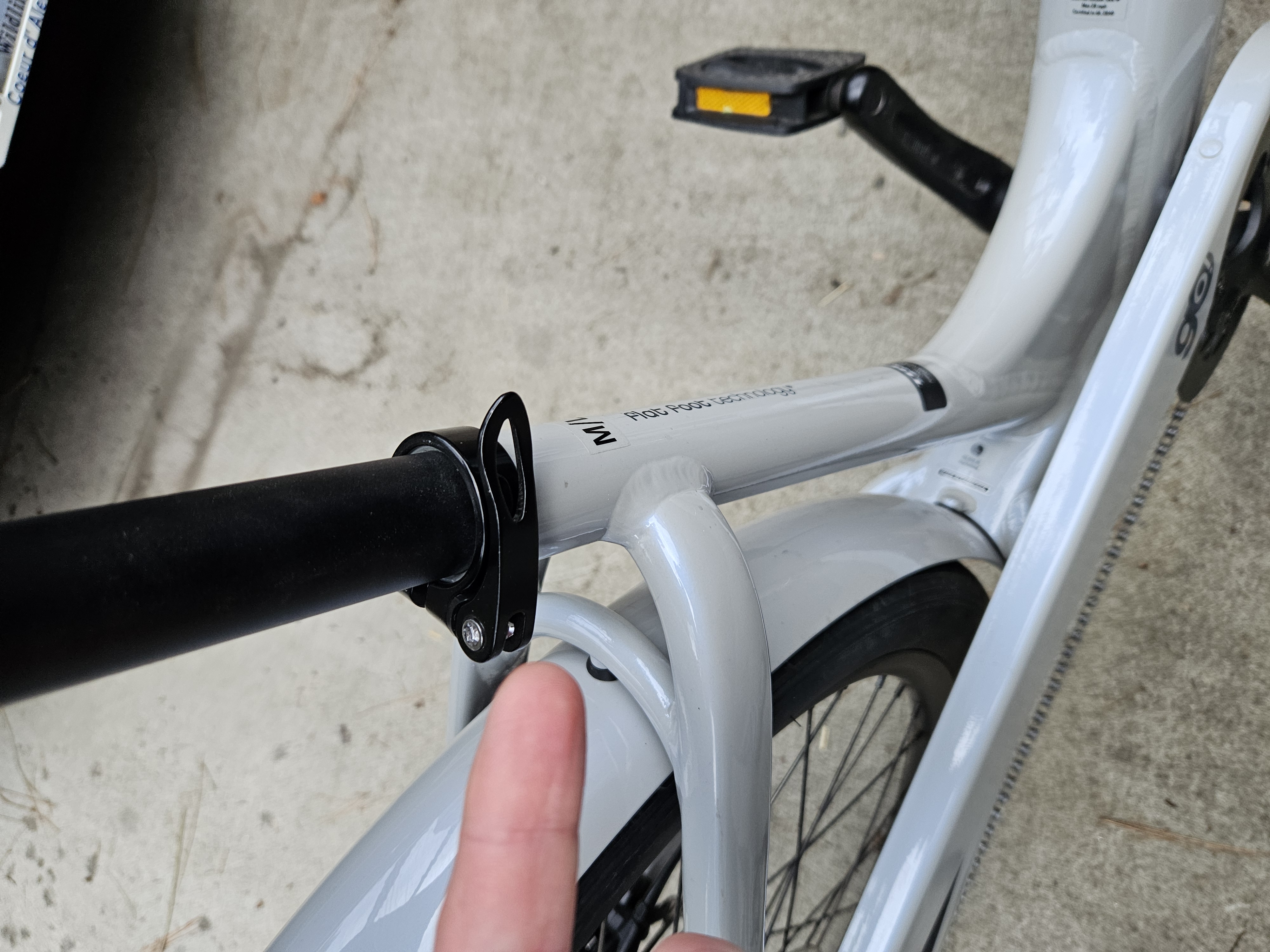
Adjusting the Seat Height
Open the quick-release lever on the seat clamp to raise or lower the seat to a comfortable height, then close the lever firmly before riding. You should be able to place both feet flat on the ground while seated.
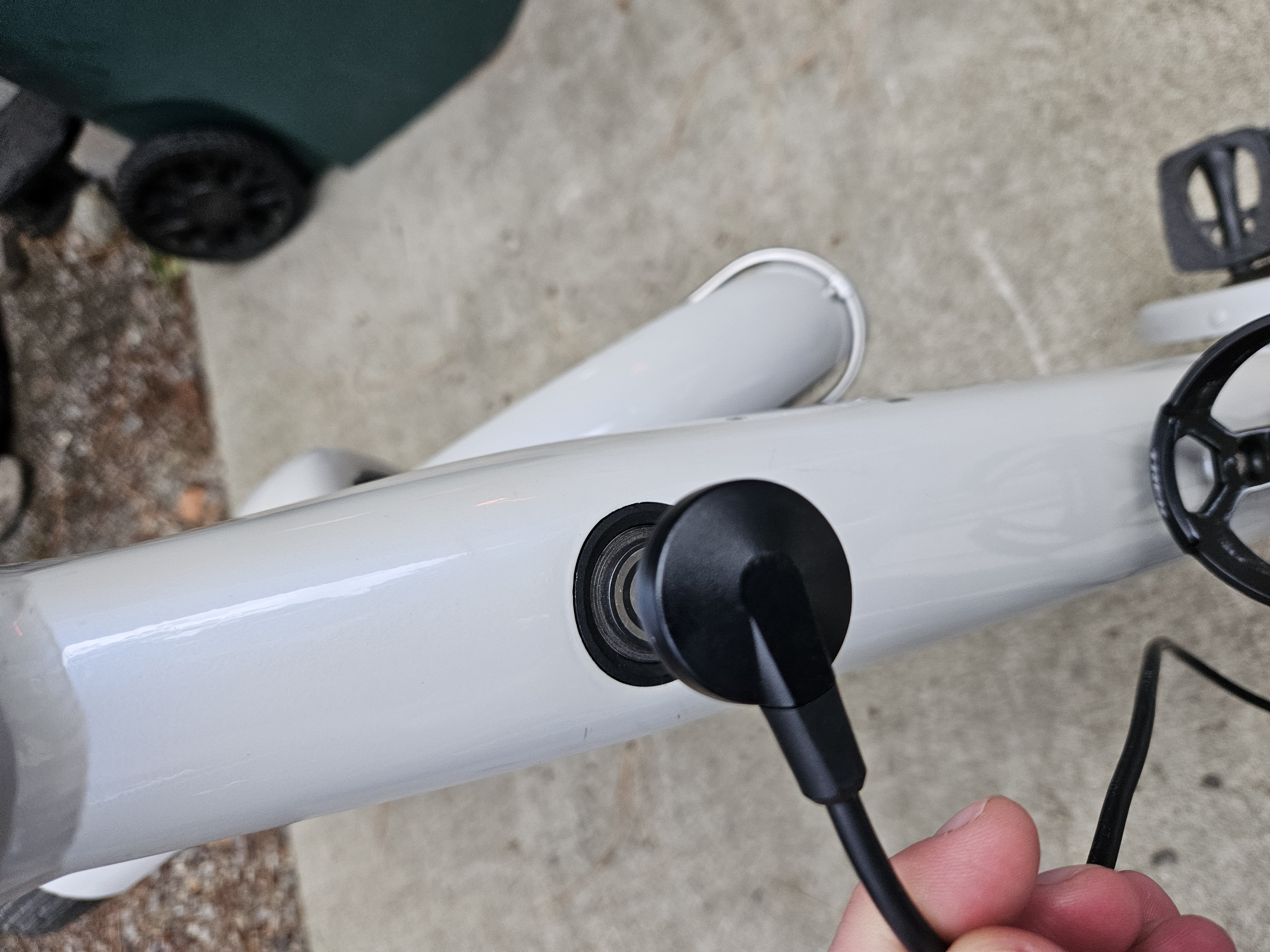
Charging the Battery
The magnetic charging port is located on the top of the bike frame. Line up the round magnetic charger and it will snap into place. Charge fully before each rental for the best range.

